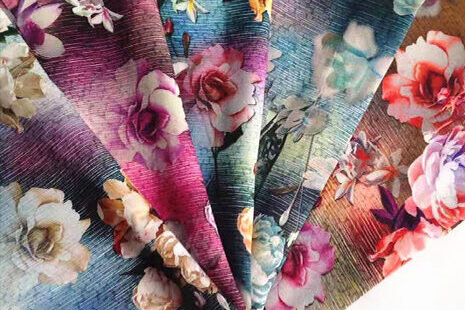

Most sublimation printer paper problems begin with unstable feeding, uneven tension, paper wrinkles, or a mismatch between the printer, ink, paper, and transfer stage. A stable paper path helps protect image alignment and makes transfer quality easier to repeat, especially when wide-format rolls run for long periods.
The solution is not simply to choose a heavier or more expensive sheet. Production teams need to look at the complete paper journey: loading, tension control, surface support, printing, drying, winding, and heat transfer. HJD‘s sublimation printer range focuses on these mechanical details as part of a wider production workflow.

Why Paper Handling Matters in Sublimation Printing
Tension affects image alignment
Sublimation printer paper must remain controlled as it travels through the print zone. If the web pulls unevenly, shifts sideways, or winds loosely, the printed image can move away from the intended position. That creates problems when the paper later meets polyester fabric during heat transfer.
Constant tension does not replace correct loading or suitable paper, but it can make the paper path more predictable. HJD lists a constant-tension paper retraction system on its larger sublimation printer configuration, supporting long-run handling with fewer interruptions for paper changes.
Wrinkles can interrupt the transfer workflow
Wrinkles may appear when paper pressure is uneven, the roll is not aligned, the surface support is insufficient, or the paper absorbs moisture. A wrinkle can create a local gap, an ink disturbance, or a fold that changes how the design contacts the fabric in the transfer stage.
The practical response is to inspect the roll before printing, keep the paper path clean, and watch the first section of every run. A machine with a stable support surface and controlled paper pressure gives operators a better chance to identify a problem before a full roll is affected.
Paper movement influences repeatability
A sublimation workflow is a sequence of small alignments. The design must be positioned on the paper, the printed paper must be wound or staged consistently, and the transfer equipment must bring the image and fabric together under controlled conditions.
That is why paper movement matters even when the printer itself is producing clean color. Stable transport reduces the number of variables that operators need to correct between runs and makes it easier to compare output from one batch with the next.
How to Choose Sublimation Printer Paper for Production
Match paper format with the printer
Paper width should follow the printer’s working format and the finished products that the factory actually makes. Wide-format sublimation paper is useful for sportswear panels, home textile pieces, and other large designs, but only when the feeding and winding system can control the full roll.
The choice should also reflect the transfer method. A paper selected for a narrow garment panel may not behave the same way when used across a wider textile layout. Review the path instead of judging paper by printed color.
Consider coating and ink absorption
Sublimation printer paper is more than a carrier sheet. Its surface affects how dye sublimation ink is received, dried, and released during transfer. Excessive absorption can reduce color strength, while poor drying or an unsuitable coating can increase smearing and handling problems.
For that reason, paper selection should be tested with the intended dye sublimation ink and the actual transfer process. The best combination is the one that delivers stable image density, manageable drying behavior, and consistent release on the target polyester material.
Plan the paper path around the heat transfer stage
Printed paper is only one part of the production system. The roll must be stored, moved, and transferred without creating new folds or tension changes. A clean handoff between the sublimation printer and the heat transfer equipment helps preserve the image position established during printing.
When a factory frequently changes widths or materials, the paper path deserves particular attention. Operators should know which rolls need different handling, how to check tracking, and when a paper issue is likely to be caused by the printer rather than by the transfer stage.
How HJD Supports Stable Wide-Format Paper Feeding
Constant-tension roll handling
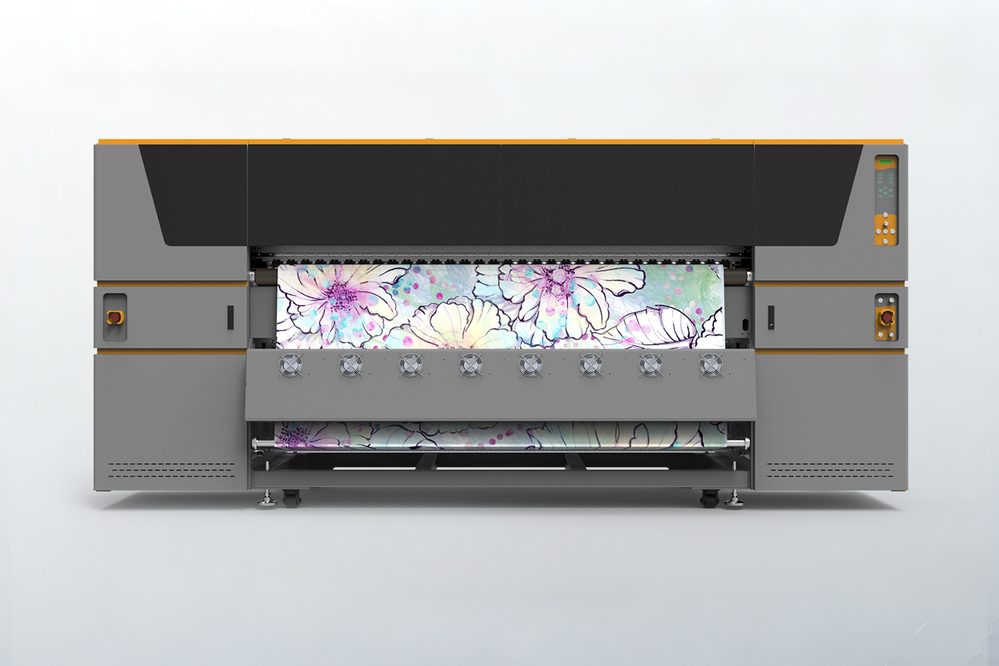
HJDs Epson i3200-A1*15/16 sublimation printer describes a constant-tension paper retraction system designed for long-run production. The page identifies 10,000-meter paper handling, which can reduce the need for frequent roll changes when the production plan and material format are suitable.
For operators, the value is continuity. Fewer manual interruptions can make it easier to maintain a consistent loading routine and monitor the paper path instead of repeatedly stopping to correct loose winding.
Honeycomb flat-panel support
The same information describes a biomimetic air-duct honeycomb flat panel. Its purpose is to support smoother paper movement and help address wrinkling during transport. In practical terms, a more stable surface gives the paper fewer opportunities to arch or shift as it moves through the printer.
Printhead protection and automatic maintenance
Paper control also protects the printing system. HJD lists dual nozzle protection, an anti-collision spray carriage, an aluminum ink stack, and automatic cleaning and moisturizing functions on its sublimation printer pages.
These features do not remove the need for routine inspection, but they can reduce avoidable risks when the printer is handling long rolls. Clean nozzles, controlled paper movement, and consistent maintenance work together to protect image quality.
Building a More Consistent Sublimation Workflow
Check the roll before loading
Before a roll enters the sublimation printer, check its edges, winding tightness, surface condition, and storage history. A roll that is damaged or exposed to unsuitable humidity may create feeding problems that are incorrectly blamed on the printer.
Monitor tracking and surface flatness
During the first section of a run, watch whether the paper remains centered and flat. Look for edge movement, loose winding, wrinkles, and changes in the way the paper contacts the support surface. Early observation is usually less costly than discovering a problem after a long print has been completed.
Keep printing and transfer conditions consistent
The printed paper should be handled with the same care as the printer itself. Keep roll direction consistent, avoid unnecessary folding, and record the paper, ink, fabric, and transfer setup used for a successful job. This creates a useful reference for repeat orders without relying on memory alone.
Choosing Between Different Sublimation Printer Configurations
When an eight-head configuration may be appropriate
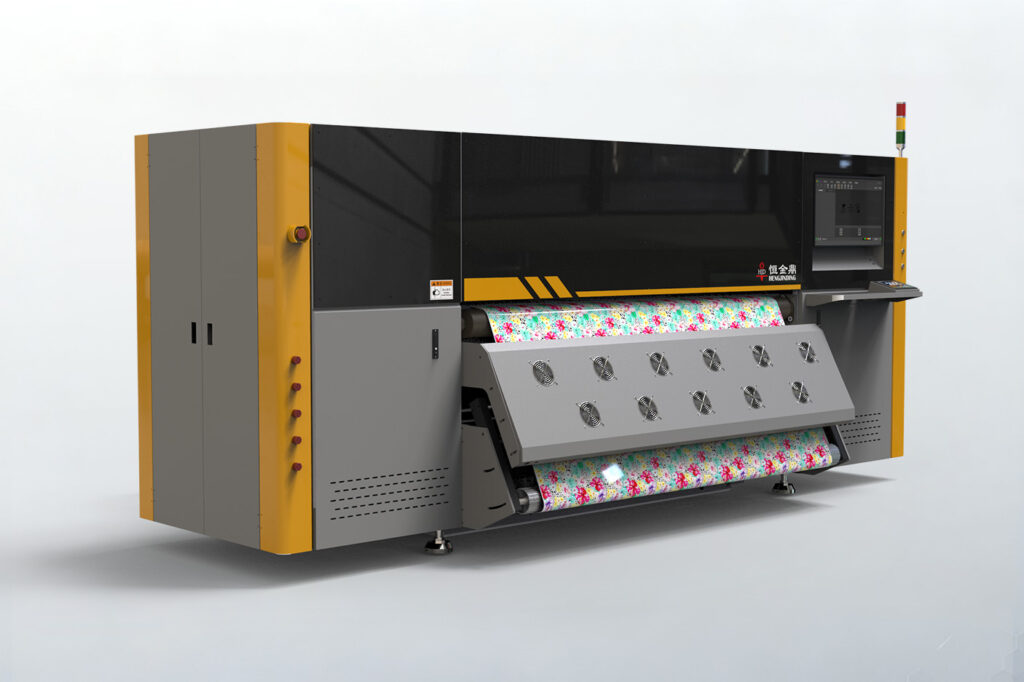
An eight-head sublimation printer can be considered when a production team needs a structured wide-format system but does not require the largest available configuration. HJD’s configuration options include an Epson i3200-A1*8 model page, making it a relevant option for factories comparing printer layout, paper handling, and expected order volume.
When a 15/16-head configuration is more suitable
A 15/16-head sublimation printer is better suited to operations that place greater emphasis on long continuous runs and higher production capacity. HJD’s larger configuration page highlights constant-tension paper handling, a honeycomb support surface, dual nozzle protection, and magnetic levitation linear drive.
The choice still depends on more than head count. Consider paper width, transfer equipment, operator coverage, floor space, maintenance, and the production continuity expected from each shift.
Phần kết luận
A sublimation printer performs best when the paper path is treated as part of the printing system rather than as a separate accessory. Stable tension, smooth support, controlled winding, and compatible ink and paper can reduce wrinkles and make transfer quality more repeatable. HJD’s sublimation printer range is worth reviewing when long-run paper handling and mechanical stability are central to the production decision.
Explore the HJD Sublimation Printer range today and find the configuration that best matches your paper width, production volume, and transfer workflow.
Câu hỏi thường gặp
Q: Why does sublimation printer paper wrinkle?
A: Wrinkles can result from uneven tension, poor roll alignment, moisture, insufficient surface support, or incorrect paper pressure. They may also appear when the paper is stored poorly or loaded with an uneven edge. Check the roll, paper path, support surface, and winding condition before changing printer settings.
Q: What type of paper is used with a sublimation printer?
A: Dye sublimation printing uses coated transfer paper designed to receive sublimation ink and release the image during heat transfer. The correct paper depends on printer format, ink behavior, design coverage, transfer equipment, and the polyester material being decorated. Paper should be tested as part of the complete workflow.
Q: How does constant tension improve sublimation printing?
A: Constant tension helps keep the paper moving with more even force through the print and winding stages. That can reduce sideways movement, loose rolls, and alignment changes that affect downstream heat transfer. It does not replace correct loading or paper selection, but it makes the production path more predictable.
Q: What should manufacturers check before choosing a wide-format sublimation printer?
A: Review the required paper width, roll length, ink and paper compatibility, transfer equipment, drying method, floor space, maintenance access, and expected production continuity. Also check how the printer controls tension and paper movement. A wide-format sublimation printer should fit the entire print-to-transfer process.